A practical checklist before choosing cloud gaming
Check the UK catalogue, compatible device, subscription and connection together.
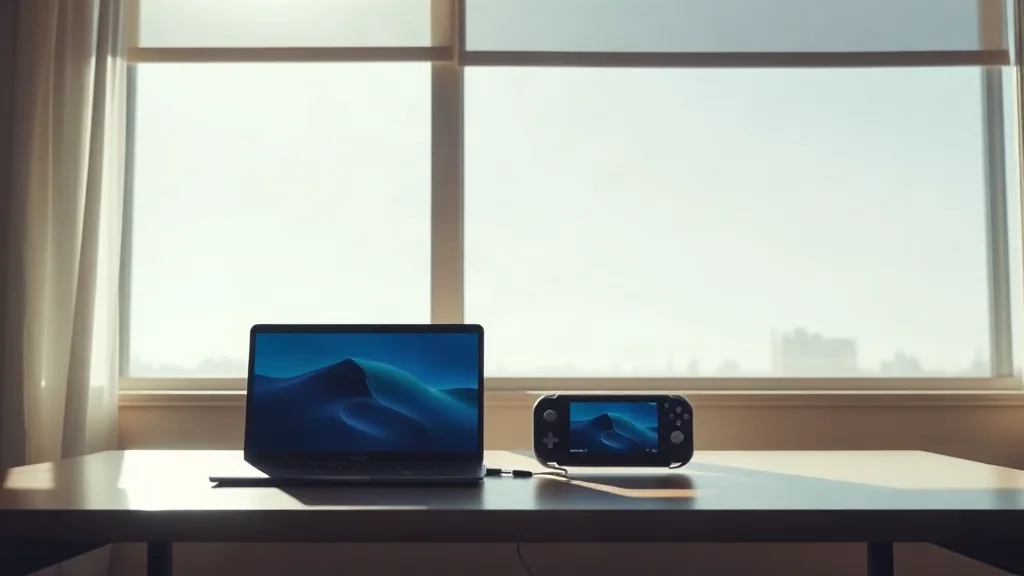
Xbox Cloud Gaming streams supported games on compatible devices. Start by checking whether the game you want appears in the current UK catalogue, then confirm that your intended device is supported. Finding a game elsewhere does not establish that it can be streamed through this service.
Next, check the applicable subscription requirements and connectivity requirements. Treat these as separate questions: a suitable device does not establish that your subscription or connection meets the conditions. Complete all three checks before making plans around a particular game.
Repeat the catalogue check when returning to an older recommendation. A dated announcement records what was listed at that point; your practical decision depends on the UK catalogue and requirements when you intend to play.